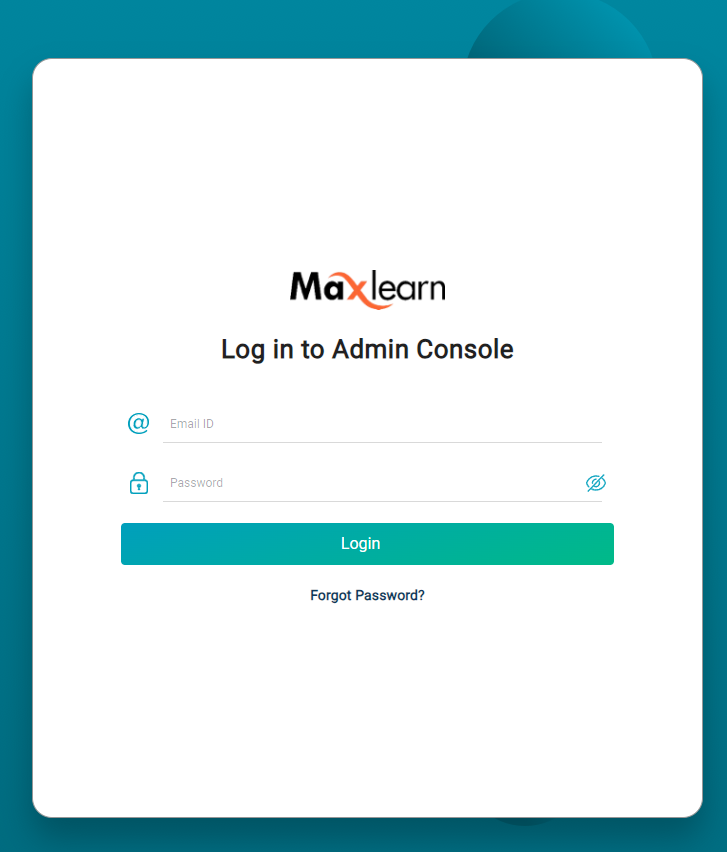
- Click on the URL for the Administrator account that was provided to you in your onboarding email.
- Please enter the email address associated with your MaxLearn account. This is the email with which you signed up.
- Enter the password you created from the onboarding email. If you do not have your password, select Forgot Password.
If you need additional help, submit a ticket.
Was this article helpful?
That’s Great!
Thank you for your feedback
Sorry! We couldn't be helpful
Thank you for your feedback
Feedback sent
We appreciate your effort and will try to fix the article